Business
A First-Timer’s Guide to Using HubSpot as a Real Estate CRM

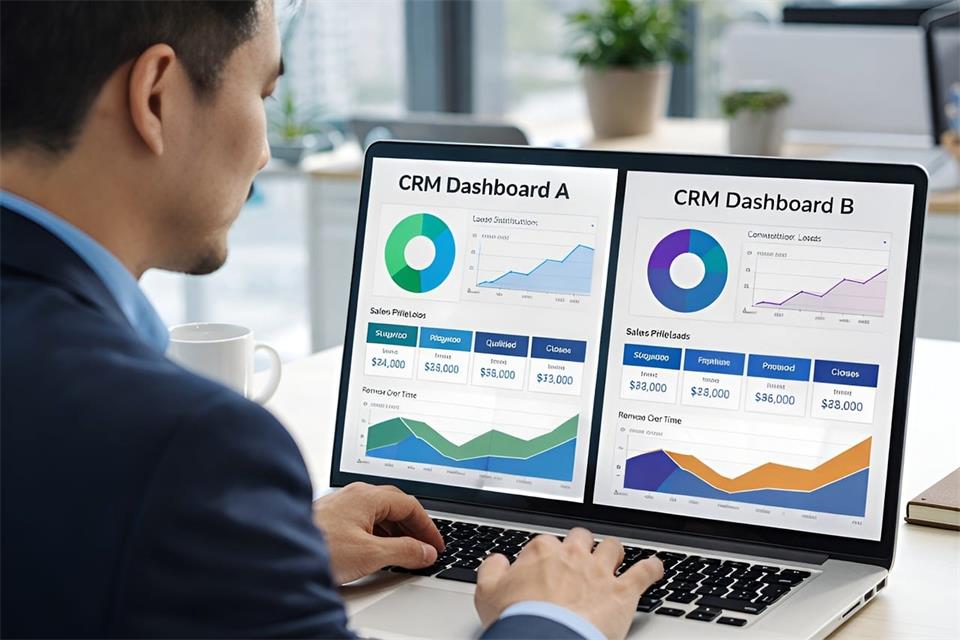
Moving client details out of spreadsheets and into HubSpot can feel like a large project. For an estate agency, the best starting point is a simple record of who has enquired, what they need and what happens next. You can build a useful real estate CRM around that before attempting more advanced features.
Start with contacts and deals
New users often mix up contacts and deals. Contacts are people and deals are transactions.
A contact record holds the person’s details, including their name and phone number. Log calls and notes there to build an activity history. That record stays in place while the same person enquires about different homes over time.
A deal follows a specific opportunity towards its outcome. It could track a buyer’s purchase journey or a seller instruction from valuation to completion. The deal moves through stages while the contact record remains the same.
Link the two every time. When a buyer enquires about a flat, their details belong on the contact and their progress belongs on the deal.
Keep it simple at first.
Don’t create separate pipelines for every possible scenario. One clear setup your team actually uses is better than four clever ones they don’t.
Pick one process to map first
Choose one journey to map before trying to cover both sales and lettings. A sales team could start with the buyer journey, while a lettings team might choose tenant enquiries. The example below uses buyers; adapt it to the work your team handles most often.
Build one pipeline for that journey. Keep the stages short and plain:
- New enquiry
- Qualified
- Viewing arranged
- Offer submitted
- Under offer
- Completion
Then define what each stage means. For example, Qualified could mean you have discussed budget and timeline, while Viewing arranged means a date and time are confirmed. Agree an exit rule for moving between stages: a deal might leave Viewing arranged once the viewing has happened and feedback is recorded. Use your agency’s agreed process for recording an accepted offer, and keep acceptance distinct from exchange and completion.
Delete stages you won’t use. If your team doesn’t do formal qualification, drop it. If exchange and completion are tracked elsewhere, don’t pretend to track them in HubSpot. A short pipeline you trust is better than a long one full of stale deals.
Add a handful of useful fields
Default contact fields won’t cover everything you need for property work. A few custom properties will make searches and lists more relevant to your team.
Start with four or five at most:
- Price range
- Preferred areas
- Mortgage position
- Buyer timeline
- Seller timeline, if you work both sides
Use dropdowns where you can. Free text for areas soon becomes messy, with ten spellings for the same neighbourhood. A tidy dropdown keeps filters and views usable.
Store feedback from individual viewings as notes linked to the relevant deal, rather than overwriting one contact field after every visit. Check your plan’s custom-property allowance before adding fields, and expand only when a recurring need becomes clear.
If putting this first setup together still feels like a lot to take on, a HubSpot partner such as Incremental can help with onboarding and integration setup so you don’t get stuck on the DIY details.
Connect email and keep follow-up manual
HubSpot doesn’t log everything by itself. You choose what to connect, and you should check the logging settings inside HubSpot before relying on them for client work and weekly reviews.
Email and calendar are sensible starting points. Connect a supported inbox so you can send replies from the CRM. HubSpot’s Google and Outlook calendar integrations can log new meetings with existing contacts, but they do not import events created before connection and only sync the user’s primary calendar.
Test a sample viewing invitation and inspect the contact timeline. Check its association with the relevant deal rather than assuming every appointment appears in the right place. Review email logging settings too, especially exclusions for internal or private correspondence.
After a viewing, keep the habit simple. Open the mobile app before you drive off. Add two lines about the client’s reaction and a next task with a date. That routine matters more than any later upgrade.
Manual tasks will carry you at first. Every open deal should have an owner and one task. Without an owner, no one is responsible for chasing it; without a task, the deal drifts.
Automation can wait. It often depends on your subscription and on what else you have connected, so don’t build follow-up around it.
Make this part of your morning routine. Filter for your open deals and set the next step before you close each record. That might mean calling back after a viewing or confirming mortgage documents.
Keep a human owner on each deal. No automatic setting replaces an agent who knows the context.
Test with samples and review weekly
Before you invite the team, test with two or three sample records. Create a buyer and move them from New enquiry to Viewing arranged. Check that fields make sense and that views filter the right people. If something feels clumsy, fix it now while it’s easy to change.
Then review weekly. This doesn’t need to be formal. Pull up the pipeline each Monday and look at where deals are sticking. Are new enquiries getting a first response the same day?
HubSpot won’t replace all your property software. You’ll still need portals for listings and separate tools for contracts and client accounts. Use HubSpot as the relationship record alongside those systems.
Get the simple version live and keep notes tidy. Let the process earn trust. That’s how a general system starts to feel like part of your daily property work.


Physical workplaces now need to adapt as quickly as the digital systems inside them. A company may update its software in weeks, yet expanding an office, clinic, or training facility can still take months. Digital transformation closes that gap by connecting technology decisions with building design, construction schedules, and daily operations. When leaders treat physical space as part of their technology strategy, they gain more control over costs, capacity and future changes.
The Evolution of Business Infrastructure
Business infrastructure once referred mainly to offices, utilities and equipment. It now includes cloud platforms, connected sensors, flexible work areas and the systems that link them together. Amazon Web Services describes digital transformation as the use of digital technologies to change how an organization operates and delivers value.
That definition reaches well beyond software. For example, a growing company might use occupancy data to learn that meeting rooms are full while assigned desks sit empty. Leaders can then redesign the floor plan based on actual use. Before planning a new location, document how employees, visitors, and information move through the current space. This reveals where physical design supports operations and where it creates delays.
Speed as a Competitive Advantage
A slow construction schedule can hold back hiring, service expansion, and entry into a new market. Companies facing firm deadlines should consider building methods that allow site preparation and off-site production to happen at the same time. In Florida, modular buildings for businesses offer a practical option for offices, schools, healthcare facilities, and temporary workspaces that require code-compliant construction.
Speed still requires careful decisions. Set capacity targets, technology requirements, and approval responsibilities before design work begins. A 40-person office, for instance, needs more than a headcount estimate. The plan should account for meeting patterns, network equipment, storage, accessibility, and expected growth over the next three to five years.
Building with Digital Precision
Digital models help project teams test a space before physical work starts. Designers can map room dimensions, utility routes, and equipment locations in a shared environment, reducing the chance that separate plans conflict. A virtual review may reveal that a network cabinet lacks ventilation or that a proposed doorway interferes with an accessible route.
Good data governance matters here. Assign one person or team to approve model changes, maintain file names, and record final decisions. Syracuse University’s overview of transformation strategies also emphasizes the value of clear goals and leadership support. Those principles keep digital building tools focused on measurable results such as fewer revisions, faster approvals, and more accurate material orders.
Integrating Smart Building Systems
Smart building technology works best when it solves a defined operational problem. Occupancy sensors can guide room scheduling, while connected heating and cooling controls can adjust service based on when areas are in use. Access systems may also reduce manual administration when employees join, leave, or change roles.
Start with systems that produce useful data and can connect through common standards. Ask vendors who owns the information, how long records are retained, and what happens during an internet outage. Cybersecurity reviews should cover building controls as carefully as business applications. The guidance in digital readiness and future-proofing can help leaders connect these facility choices with broader continuity planning. Schedule regular software updates and assign responsibility for each connected system.
Future-Ready Work Environments
A future-ready workplace can change without requiring a major rebuild each time business needs shift. Movable partitions, accessible utility connections, and adaptable power layouts allow a training room to become a project area or several smaller offices. Standardized components also make repairs and expansions easier to plan.
Before approving a design, test it against three realistic scenarios: a 20 percent increase in staff, a temporary reduction in on-site attendance, and the introduction of new equipment. Estimate what each change would cost and how long it would interrupt operations. This exercise exposes fixed features that could become expensive constraints.
The strongest plans leave useful options open. A spare data pathway, an adaptable room, and clearly documented building systems may seem modest at opening, but each one can prevent a future business change from turning into a costly construction project.
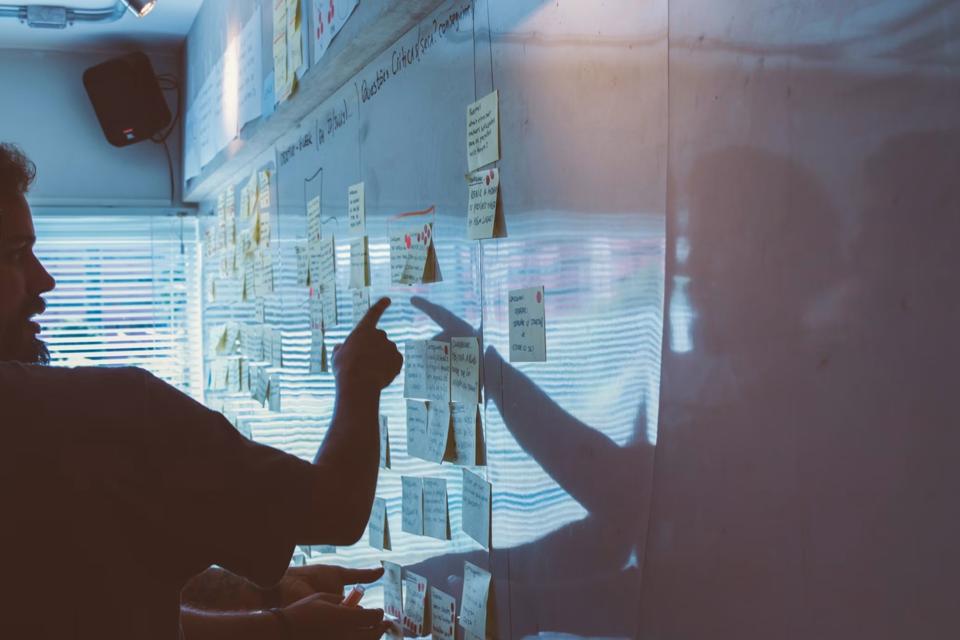
The business world is moving too fast for anyone to just “wait and see.” Companies that once relied on old, established ways are now getting left behind by competitors who can move more quickly.
Future-proofing your business isn’t about guessing what’s next; it’s about building an operation so strong and flexible that it can succeed no matter what comes. This kind of readiness comes from truly committing to digital transformation, which means embedding technology and data deep into how your organization works.
Why Digital Transformation Matters
Digital transformation isn’t just about buying new software or moving files to the cloud. It’s a complete rethink of how your organization uses technology, people, and processes to create value for customers.
The main goal is to build a business that can quickly adjust to market changes, customer needs, and new opportunities. When done well, digital transformation strategies often lead to big jumps in efficiency and productivity.
When information flows easily between departments and routine tasks are automated, your team can spend their time on more important work. This shift also directly improves the customer experience.
A company that’s digitally mature can offer personalized service, faster responses, and easier interactions, which builds loyalty in a crowded market. Ultimately, it’s about surviving and growing in today’s increasingly digital economy.
Building a Modern Tech Stack
At the core of digital readiness workflows is a modern technology setup. Many businesses are held back by old, isolated systems that don’t talk to each other. A modern tech stack, on the other hand, is a connected set of tools, often cloud-based, that work together to give you one reliable source of information for your whole operation.
This might include an Enterprise Resource Planning (ERP) system for finances and core operations, a Customer Relationship Management (CRM) platform for sales and marketing, and other specialized applications.
Building this stack means looking closely at your current systems and figuring out where things get stuck. The aim is to replace rigid, on-premises software with flexible, scalable solutions. It also means rethinking internal functions that were once just seen as expenses.
For example, putting strategic procurement in place can turn the purchasing department into something that adds real value and a competitive edge, instead of just a place to control spending.
Streamlining Core Business Processes
New technology only delivers value when it improves everyday processes. Start by reviewing current workflows to identify duplication, manual tasks, and delays, then evaluate your readiness for digital transformation.
Practical improvements include:
- Automating invoice processing to reduce manual entry.
- Using project management software to track tasks and deadlines.
- Connecting sales and inventory systems for real-time stock information.
These changes reduce errors, save time, and give teams more capacity for higher-value work.
Data-Driven Decision Making
One of the biggest benefits of a modern, integrated tech stack is the huge amount of data it generates. In the past, important business information was often trapped in spreadsheets or separate department databases.
Today, you can access real-time dashboards that give you a complete view of how your business is performing. This lets you shift from making decisions based on gut feelings or old reports to relying on solid data.
For example, a marketing team can analyze campaign data to see exactly which channels are bringing in the best return on investment. An operations manager can watch production line metrics to spot maintenance needs before a breakdown happens.
By making data easy to access and understand for teams across the organization, you empower them to make smarter, faster decisions that directly help the bottom line.
Cultivating an Agile Mindset
Technology alone cannot future-proof a business. A strong company culture also needs to embrace change, experimentation, and an agile mindset. Leaders can support this by providing training, encouraging new ideas, and valuing learning alongside results.
Digital readiness is an ongoing process, so start with one area where a practical change can make an immediate difference.

Many corporate training programs are ineffective even before anyone looks at the content. The program might be incredible. But if the room won’t let people get in a circle for a discussion, if the remote half of the team can’t hear the breakout discussion, or if nobody checks in two weeks later to compare notes and best practices, the content’s all for naught.
The environment is infrastructure, not a venue
Most of the time, L&D teams are planning what content they need – which modules, which vendor, which certification path. And we treat the environment as a booking problem – find a room, send a calendar invite, order coffee. But that’s backwards.
The room, the seating, the AV setup, the scheduling cadence, and the reinforcement plan are all load-bearing. A weak version of any one of them caps what the curriculum can deliver, no matter how good the material.
You can build the best onboarding curriculum in the industry and still watch new hires disengage by day three if they’re sitting in fixed lecture seating for six hours with no breaks and no chance to practice what they just heard. Infrastructure sets the ceiling. Content just fills it.
Onboarding and upskilling need different builds
The distinction between onboarding and upskilling is made very clear in the title of this piece. They are different challenges and require different approaches.
Onboarding is high-touch and cohort-based. New hires are anxious, they don’t know the systems yet, and a lot of what they’re absorbing is cultural and relational, not just procedural. It benefits from in-person time, consistent small groups, and a room built for connection – round tables, not rows.
When everything is new and little mistakes feel big, you need people around you who know where you’re coming from and who make you feel safe.
Upskilling looks nothing like that. It’s shorter, more frequent, and usually self-directed. A mid-career employee learning a new tool doesn’t need a three-day cohort experience. They need a short module, a job aid, and maybe an hour of live practice with a facilitator.
Building one generic training space and one generic format for both of these guarantees a compromise. Onboarding ends up feeling rushed and impersonal, and upskilling ends up bloated with ceremony nobody has time for.
Start with a skills taxonomy before you buy anything
Before you reserve a classroom (virtual or otherwise), define what good would look like. Figure out whose results are too low, too slow, or too conflicted. Identify what they’re doing, thinking, or feeling that’s suboptimal.
Then build from there. A skills taxonomy – even a rough one – forces a harder but more useful question: what does a competent person in this role actually do differently from an incompetent one, and what’s the fastest way to close that gap?
Classroom time should be reserved for social learning – analysis, judgment, and design. Discussions, reflections, and simulations around the chosen moments of need. People swimming in the same pool of content, not drowning in the torrent.
The room is where they build tools, and you should build exercises that clearly distinguish use of the tool and skill with the tool. Answering those questions first changes everything downstream – the modality, the group size, the room, the schedule.
Choosing the modality mix deliberately
Once you have determined what it is you’re hoping to teach, the next instructional decision to make is where that learning fits best. The 70-20-10 framework, developed by the Center for Creative Leadership, comes in handy at this step.
Roughly 70% of our learning occurs through job-related experiences and “practice,” 20% through interactions with others or the “social” aspects of work, and 10% through classes and workshops or “formal” training. Use those proportions as a guidepost for thinking about how “natural” you want this learning to feel.
None of these are hard-and-fast rules (the 70-20-10 framework has been widely misinterpreted and extrapolated beyond what it meant to capture). The point is, while you might be designing a training room, there’s less need to design training that happens in a room.
You want to make work-like, human interactions and “learning” the default. That perspective will influence a lot of your design decisions about how to lay out the environment, how to structure individual sessions and daily cadence, and how to put technology to use.
Room configuration is a training decision
Furniture is not a logistics detail. It’s a design choice that determines what kind of learning can happen in the space.
For instance, fixed lecture seating limits facilitators to one-way communication. You won’t be able to organize role-play, fishbowl exercises, or have a small-group debrief with forty bolted chairs in rows facing the podium.
On the other hand, movable tables and chairs can be used for breakout activities, allowing facilitators to reconfigure the arrangement during the session. It also indicates to the participants that this is a working session and not a presentation where they are supposed to sit and listen quietly.
Acoustics play a more important role than many L&D leads consider. Put four breakout groups in an open room with solid walls and no sound treatment, and you are left with competing noise that undermines the purpose of small-group exercises. People will begin to speak louder to be heard, distracting other groups, and the small-group exercise aimed at fostering confidence in a low-pressure environment adds friction instead.
In this scenario, ergonomics becomes a necessity rather than a pleasant attribute. Adults lose interest in activities that last several hours while seated uncomfortably. It’s not a comfort issue, it’s about getting involved – uncomfortable people stop paying attention.
The same applies to accessibility: a clear view of the screen, space for special equipment, availability of materials in various forms, all add up to provide a more inclusive environment. None of these should be optional if the focus is to engage everyone rather than merely give that impression.
Getting this right is largely a matter of building effective workspaces rather than defaulting to whatever furniture happened to be in the room already.
Psychological safety runs through all of this too. Role-play and open feedback only happen when people feel safe being wrong in front of colleagues, and a room that’s cramped, loud, or arranged like a courtroom works against that every time.
Hybrid delivery needs parity, not an afterthought
Distributed teams mean hybrid delivery is the default, not the exception, and most rooms still aren’t built for it. A single camera at the front of the room, pointed at the facilitator, and remote participants are an audience watching a webinar.
They can’t hear side conversations during breakouts, they can’t see what’s written on a whiteboard unless someone thinks to angle a laptop towards it, and they get none of the informal moments where a lot of the actual learning happens.
It doesn’t require a huge budget to fix this. Just deliberate placement: cameras and mics positioned to catch small-group discussion, not just the front of the room; displays that remote learners can actually read; a habit of narrating what’s on a physical whiteboard instead of assuming everyone can see it.
VILT sessions need the same discipline – breakout rooms, polls, and chat prompts that mirror the in-person exercises, so remote learners are doing the work, not just watching it happen.
Facilitators are part of the infrastructure
Bringing in a subject-matter expert to run a session because they know the content is not synonymous with bringing in a good facilitator. Adult learners – per Malcolm Knowles’ work on andragogy – need to know the relevance, the autonomy, and the reason to care about what they’re being taught. Left to their own devices, most SMEs default to lecturing, because that’s what they’ve seen modeled and that’s the path of least resistance.
Training the trainer is as important as training the room. They need coaching on pacing, on how to run a debrief that actually surfaces insight instead of silence, and on how to read a room that’s gone quiet because people are lost, not because they’re taking everything in.
This is cheap to fix relative to everything else on this list, and it’s routinely the piece that gets skipped, because everyone assumes expertise in the subject transfers automatically into expertise in teaching it.
Build in reinforcement, then measure what matters
The failure point in corporate L&D is learning transfer: did training actually change on-the-job behavior? It’s almost entirely a design problem, not a content problem. A single session, no matter how well it ran, fades fast from memory if it’s not used. Manager check-ins, spaced practice, job aids, and short follow-up sessions two or three weeks out are what turns an event memory into a habit.
Build those into the plan from day one, not as an afterthought once the main session ends. Microlearning fits well here: a five-minute refresher a week after the main session will do more for retention than a second long workshop would’ve.
For measurement, the Kirkpatrick model gives a useful ladder. Level one and two, reaction and learning, are easy to capture and great for immediate feedback, but they don’t tell you if anything changed.
At least one level-three measure (observed behavior change) or level-four measure (business results, like reduced errors or faster ramp time) needs to be part of the plan if the infrastructure spend is going to survive the next budget cycle. Cost per learner is easy to calculate and easy to challenge. A behavior-change metric is what actually defends the number.
Building the environment on purpose
None of these suggestions imply that a typical training budget needs to be expanded. It’s all about making the learning environment and content delivery just as intentional as the curriculum itself. Get the taxonomy right, set the modality mix, design a practice room, ensure remote learner parity, coach the facilitators, and implement a strong finish. Then see how your training investments pay off.

A First-Timer’s Guide to Using HubSpot as a Real Estate CRM

Digital Transformation for Physical Spaces: A New Approach

Digital Readiness: Future-Proofing Your Business Operations

From Onboarding to Upskilling: Building Corporate Training That Works

The Psychology of Space: How Floor Plan and Layout Impact Visitor Behavior at Trade Shows

125 Inspirational Car Quotes and Captions to Celebrate Your New Car

188 Deep Hurt Quotes with Images

148 Romantic Love Quotes for Her from the Heart

164 Relationship Goals Quotes for New Couples Expecting a Long Lasting Relationship

185 Cute Boyfriend Quotes for the Guy You Love
-
 Quotes6 years ago
125 Inspirational Car Quotes and Captions to Celebrate Your New Car
-
Growth6 years ago
188 Deep Hurt Quotes with Images
-
Quotes6 years ago
148 Romantic Love Quotes for Her from the Heart
-
Quotes5 years ago
164 Relationship Goals Quotes for New Couples Expecting a Long Lasting Relationship
-
Quotes6 years ago
185 Cute Boyfriend Quotes for the Guy You Love
-
Quotes6 years ago
141 Best Heart Touching Quotes about Love, Life, and Friendship
-
Quotes5 years ago
134 Time Flies Quotes for the Unforgettable Moments
-
Quotes5 years ago
122 Inspirational Kite Quotes That’ll Make You Wanna Fly Right Now